
Managing approval workflows in a company—such as leave requests, expense claims, purchasing, or internal processes—can become complicated and time-consuming if everything is handled manually. Lark Approval solves this by bringing all requests and approval flows into one central platform.
This guide will walk you through how Lark Approval works, how to use it effectively, and best practices to optimize your company’s internal processes.
1. What Is Lark Approval?
Lark Approval is a workflow management feature within Lark Suite that allows employees to submit requests and managers to approve or reject them directly on the platform. It helps organizations streamline internal operations and reduce administrative workload.
Key benefits:
-
Centralized request management
-
Faster approval speeds
-
Transparent tracking of all activities
-
Automated notifications and reminders
-
Customizable forms and workflows
2. Main Features of Lark Approval
Below are the core features that make Lark Approval an effective workflow tool:
✔ Request Form Creation
You can create custom forms based on the needs of your organization. Forms may include fields for leave, business trips, procurement, reimbursement, or internal documentation.
✔ Multi-Level Approval Flow
Set up one-step or multi-step approval workflows depending on your company structure.
✔ Real-Time Notifications
Approvers receive instant notifications, reducing waiting time and avoiding lost requests.
✔ Track Request Status
Employees can check the status of their requests at any time without messaging HR or managers.
✔ Integration Within Lark Suite
Everything works inside Lark, avoiding the need for complex switching between different tools.
3. How to Use Lark Approval (Step-by-Step)
Step 1 — Open Approval on Lark
From the Lark homepage, access Workplace → Approval.
Step 2 — Submit a Request
Employees choose the appropriate type of request:
-
Leave
-
Expense claim
-
Business trip
-
Overtime
-
Asset request
-
Internal form
Fill in the required fields and attach supporting documents if needed.
Step 3 — Approval Flow
Managers receive a notification and can approve, reject, or request additional information.
Step 4 — Track the Process
Employees can view request progress in real time directly within the Approval module.
Step 5 — Analyze Data (for Admins)
Admins can export reports, adjust workflows, or update approval rules.
4. Best Practices for Smooth Usage
-
Use standardized form templates
-
Create clear approval rules
-
Avoid unnecessary steps in the workflow
-
Regularly check pending approvals
-
Train employees to submit requests properly
These practices help avoid delays, errors, and miscommunication within the team.
5. Limitations of Lark Approval
Although powerful, Lark Approval still has some limitations:
-
Not designed as a full HRIS
-
No built-in payroll integration
-
Limited in-depth analytics for HR
-
Complex workflows may require manual configuration
For companies that need attendance, leave balance management, work schedules, expense management, or payroll-ready data, Lark Approval alone may not be enough.
6. Illustrations – How workflows look in real systems
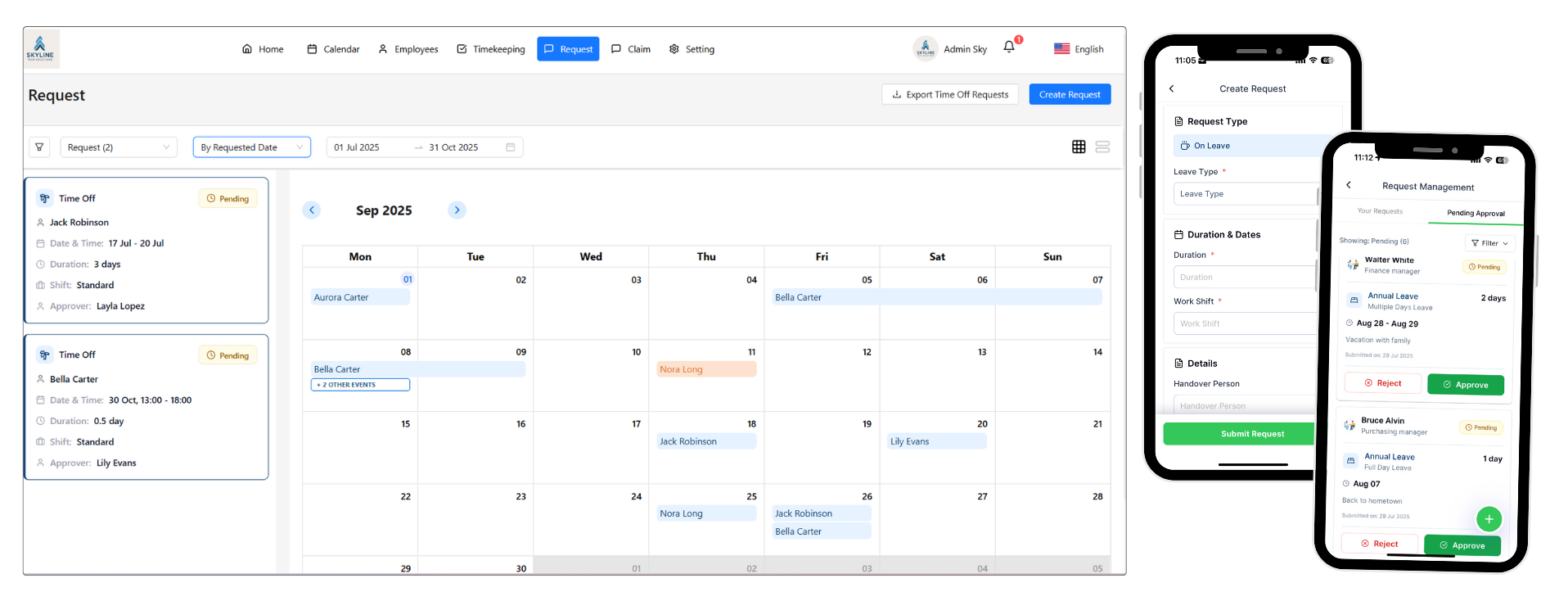
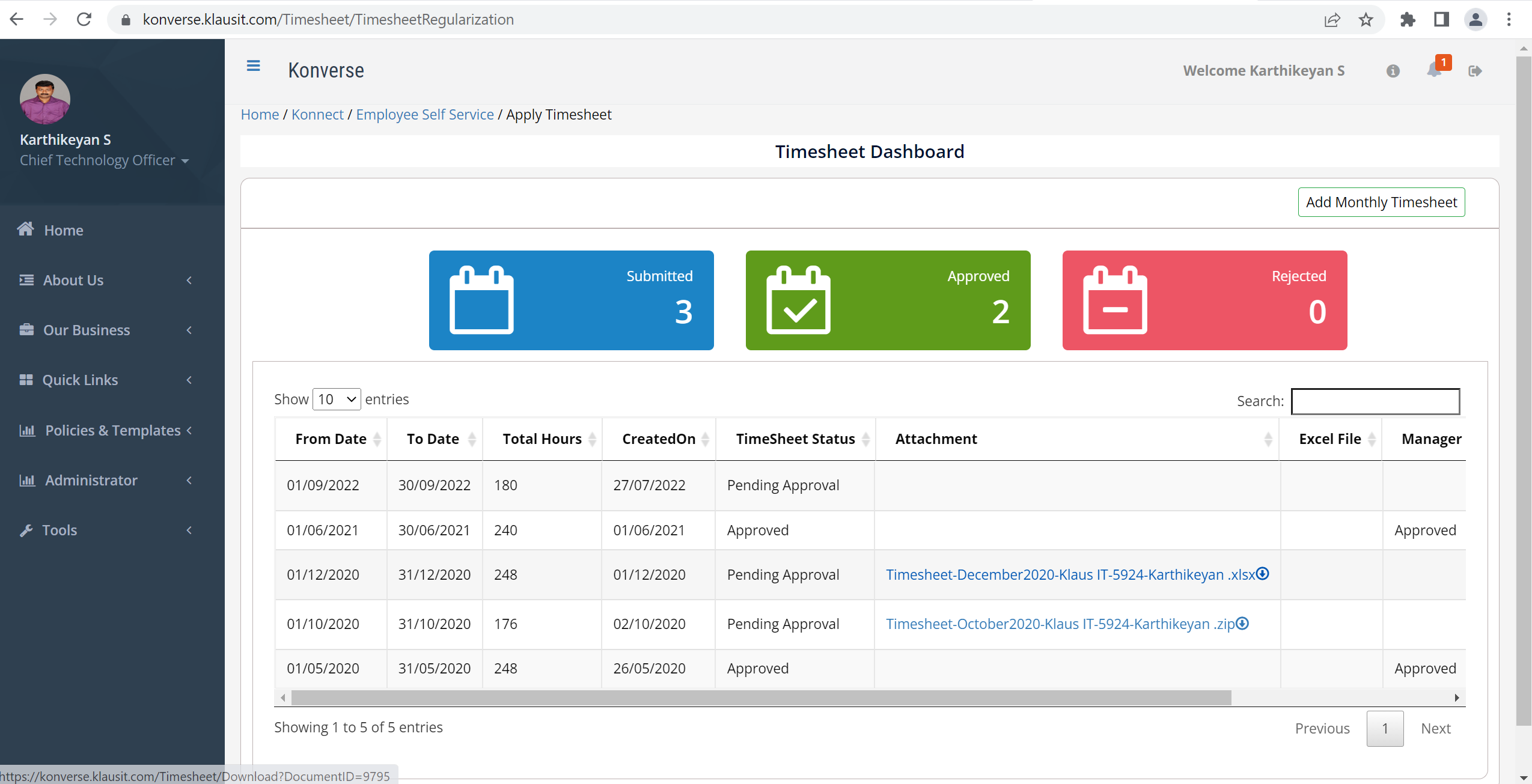
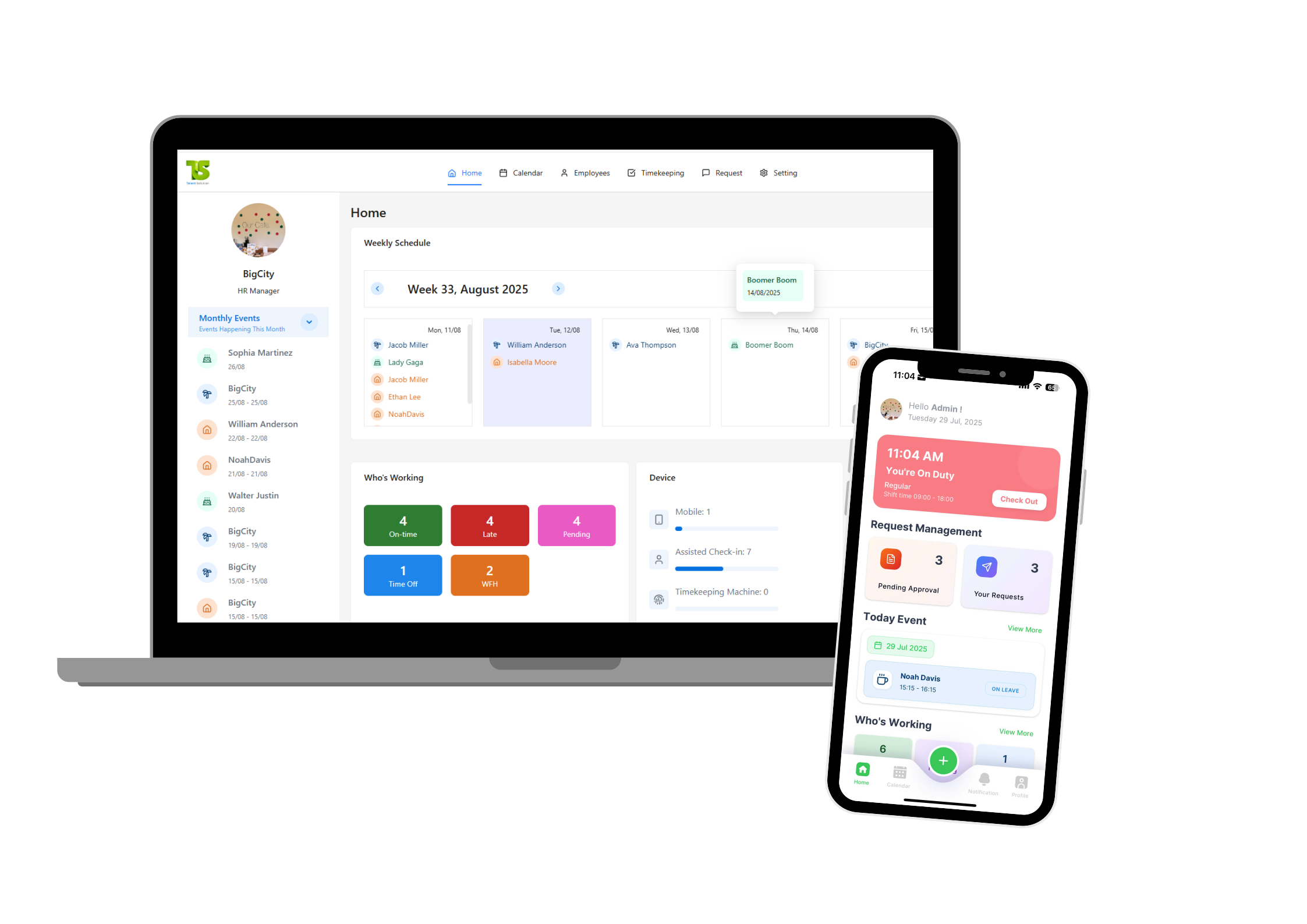
These images represent how modern workflow and HR dashboards may look visually.
7. Conclusion
Lark Approval is a powerful, flexible tool that helps businesses digitize approval processes, save time, and improve transparency. Whether your company is small or large, Lark Approval can reduce unnecessary paperwork and help your team operate more efficiently.
📌 Looking for a More Complete HR System? Try Talent Solution!
If your company also needs:
-
Attendance & check-in/out
-
Leave balance automation
-
Expense & business trip management
-
Employee database
-
Centralized HR reports
-
Mobile app for employees
➡️ Check out Talent Solution — a modern HR platform that helps centralize all HR operations.
📌 Let Talent Solution help streamline your HR processes!
👉 Website: https://talentsolution.app
📧 Email: contact@talentsolution.app
📞 Hotline: (+84) 369 412 258